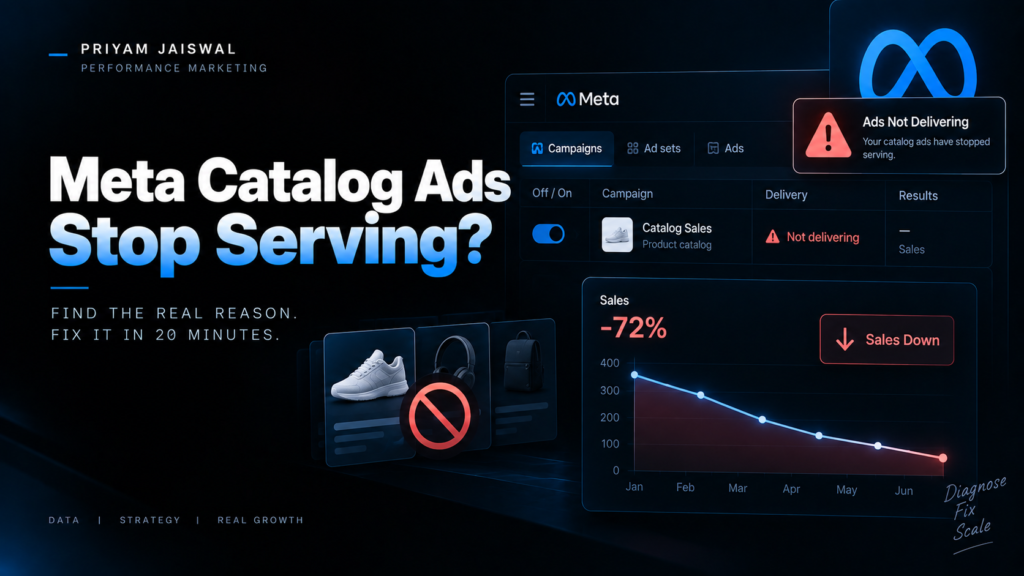
It’s 9:14 AM. The client’s message is just “??” and a screenshot of yesterday’s zero-impression report. Campaign’s on. Budget’s intact. Nobody touched anything. The catalog ads have simply stopped existing.
If you buy media for e-commerce clients, you’ve had this morning. Probably twice this quarter.
Catalog ads break quietly, and that’s the whole problem. A normal ad gets disapproved and Meta tells you in red, in Ads Manager, where you’re already looking. Catalog ads break two floors down, in Commerce Manager, in the feed, in the pixel payload, and Ads Manager has no reason to bring it up. The campaign stays cheerfully Active. It just has nothing left to serve.
The short answer:
Meta catalog ads usually stop serving for one of six reasons: the product set emptied out, the feed sync failed silently, items got rejected on commerce policy, your pixel’s content_ids stopped matching your catalog IDs, the retargeting pool ran dry, or something at the ad account level, a declined card, a spend cap, a restriction, cut delivery across the board. Work top-down (account, campaign, catalog, feed, events) and you’ll usually find it inside twenty minutes.
That’s the version for people in a hurry. Here’s the longer one, in the order I actually work through it.
Triage in this order, or you’ll burn an hour
| Layer | Time | What you’re ruling out |
| Ad account | 2 min | Declined payment, spend cap, asset restriction |
| Campaign & ad set | 3 min | Schedule ended, budget exhausted, audience too small |
| Catalog & product set | 5 min | Empty sets, unavailable items, policy rejections |
| Feed & sync | 5 min | Stale fetch, expired token, broken field mapping |
| Events | 5 min | content_id mismatch, low catalog match rate |
The instinct is to open Commerce Manager first, because that’s where the drama feels like it should live. Resist it. If prospecting, retargeting and catalog all flatlined in the same hour, it isn’t your feed — it’s a declined card. Rule out the cheap stuff first.
1. The product set quietly emptied itself
This is the most common cause I see, and the most awkward one to explain to a client.
Product sets built on dynamic rules — availability equals in stock, price under a threshold, a tag someone in marketing renamed last Tuesday — will shrink to zero without announcing it. A bestseller sells out, a variant flips, a filter matches nothing, and the ad set has no inventory left to render.
Fix it: Commerce Manager, your catalog, the Items tab, filter by Availability: Not Available. Then open three or four of them and read Meta’s actual diagnostic instead of guessing. You’ll get one of four flavours — Out of Stock, Price Issue, URL Issue, Image Issue — and each one points somewhere different. Do not bulk-reupload the whole catalog to “refresh” it. That’s how a small problem becomes a review queue.
Watch for the variant trap while you’re in there. Plenty of feed pipelines flip an entire item group to out of stock when a single size sells out, which drags perfectly sellable inventory out of serving with it.
Working rule: get availability above 95% before you increase spend. Scaling on a third of your real catalog is optimising with one hand tied behind your back, and the ROAS gap between a clean catalog and a messy one is not small.
2. The feed sync died and nobody got an email
Scheduled fetches fail. Tokens expire. Someone updates the theme, swaps a feed app, or renames a column, the field mapping drifts, and the catalog happily keeps serving last week’s data until last week’s data goes stale.
Fix it: look at the data source’s last successful fetch time. If it’s older than your fetch schedule, you’ve found it. Reauthorise the connection rather than just hitting retry — an expired token will retry into the same wall forever. Also check whether the sync method changed on you. Native channel integrations hold catalog accuracy far better than hand-rolled XML feeds, where mapping drifts quietly and nobody notices for a fortnight.
3. Items were rejected on policy, and Ads Manager never mentioned it
This is the one that eats afternoons. Catalog-level rejections don’t surface as ad disapprovals. Your ad is approved. Your products aren’t. Nothing in Ads Manager will tell you the difference.
The rejection notice is often maddeningly vague — “policy violation,” no further detail — because Meta’s automated reviewer runs several policies in parallel and surfaces a generic flag when more than one might apply. Triage it in this order: image policy first (text overlay, watermarks, low resolution — the biggest culprit by a distance), then restricted-category mis-mapping, then title and description copy, then personal-attributes language.
If your client sells beauty, supplements or fitness, assume this is your problem until proven otherwise. Words like slimming, whitening, cure and anti-aging trip the filter automatically, and before-and-after imagery is a guaranteed rejection regardless of how honest the product is.
Appeals work more often than people expect. Account Quality, Restrictions, request review — the auto-reviewer has a well-known false-positive habit.
4. Your content_ids stopped matching your catalog IDs
Catalog’s healthy. Feed’s fresh. Nothing’s rejected. And the ads still won’t personalise, or in dynamic retargeting won’t serve at all.
That’s a matching failure. Meta connects a browsing user to a product by comparing the content_ids in your Pixel and Conversions API events against the id field in your feed. If a developer prefixed SKUs during a migration, or the site started firing variant IDs where the feed lists parent IDs, that join breaks — and Meta has nobody it can confidently show anything to.
Fix it: check your catalog match rate. Under about 75% you’re looking at a tracking problem, not a creative one; 90% and up is where you want to be. Fire a test event, read the content_ids in the payload, and compare them against the feed character for character. Character for character — “SKU-1042” and “sku_1042” are two entirely different products as far as Meta is concerned.
5. The retargeting pool ran dry
Nothing broken here. Just arithmetic. A dynamic retargeting ad set chasing 7-day ViewContent on a site doing 400 sessions a week has almost nobody left to talk to. A promo ends, traffic dips, the pool collapses, delivery stops.
Fix it: widen the window from 7 days to 14 or 30, consolidate ad sets so you’re not slicing a small pool five ways, or shift part of the budget into broad-audience catalog ads to keep the funnel fed. If a client’s traffic can’t support dynamic retargeting, say so early rather than debugging physics for a week.
6. Nothing’s wrong with the catalog at all
Sometimes it’s a declined card. Or a spend cap someone set in March and forgot. Or an end date on the schedule. Or a business asset restriction that landed overnight.
Check Account Quality and Billing before you go spelunking in feed XML. I once spent forty-five minutes debugging a feed that was completely fine because I skipped a ten-second billing check. Once. Fine — twice.
The four-minute preflight that prevents most of this
Run this before every budget increase, and once a week regardless:
- Catalog availability above 95%
- Product set item count greater than zero — actually look at the number, don’t assume
- Last successful feed fetch inside the schedule window
- Zero open errors in the catalog Issues tab (warnings can wait, errors can’t)
- Catalog match rate above 75%
- Valid billing method, no spend cap within reach of this week’s budget
Six checks. Four minutes. That’s the whole difference between catching a break and explaining one.
Frequently asked questions
Why are my Meta catalog ads active but getting zero impressions?
Nine times out of ten the product set is empty or nearly empty. Open Commerce Manager, check the item count on the set the ad set actually points at, then filter items by Availability: Not Available and read the diagnostic on a handful of them. If the set has stock, move on to billing and account restrictions before you touch the feed.
How long does it take for a catalog feed update to go live?
Scheduled fetches and native channel syncs typically land anywhere from 15 minutes to 24 hours behind your store. If your inventory moves hourly, that lag alone will keep sold-out products serving. Pushing availability changes through Meta’s Catalog Batch API updates within minutes and is the only real fix for fast-moving stock.
Do catalog item rejections show up in Ads Manager?
No, and that’s why they cost people whole afternoons. The ad stays approved because the ad is fine; it’s the products inside it that got rejected. Rejections live in Commerce Manager under the catalog’s Issues tab, and in Account Quality under Restrictions.
What catalog match rate should I be aiming for?
Treat 75% as the floor and 90%+ as the target. Below 75% you’re looking at a tracking problem rather than a creative one, because Meta can’t reliably connect what someone browsed to what’s in your feed.
Is ‘Out of Stock’ the same as ‘Items Not Available’?
No. Out of Stock means Meta sees the SKU and reads inventory as zero, and it resolves itself the moment you restock. Not Available is the wider bucket: it includes out of stock plus broken URLs, unfetchable images, malformed prices and policy rejections, and those need a structural fix to the feed or the product page.
Can I run catalog ads without a Meta Pixel?
Not for dynamic retargeting. Meta matches people to products by comparing the content_ids in your Pixel or Conversions API events against the id field in your feed, so with no events flowing there’s nothing to match on and delivery stalls or defaults to broad.